
Site Scanner

Can AI systems understand your store?

Run a bounded preview of the pages, product details, trust signals, and catalog basics that AI search tools and shopping agents rely on. The result shows where your store stands and what should happen next before you commit to cleanup, a full report, or monitoring.

Preview setup

Start with your email and store URL.

You can wait here while the scan runs. We will also email the preview summary when it finishes.

Free previewUp to 100 pages
This preview scans up to 100 pages. Full reports use an in-depth website scan of up to 1,500 pages.
If the scanner cannot read your site

Some firewall, bot protection, or rate-limit settings can block automated checks. If that happens, try these steps and run it again.

  • Allowlist the Site Scanner IP or hosting environment.
  • Allowlist the user agent AI-Commerce-Readiness-Audit/0.1.
  • Temporarily reduce bot challenges for the audited host.

1. The Free Preview

Start with a bounded sample.

We run a quick baseline check to see whether the main issue is page quality, structured data, or AI-facing feed readiness.

2. Site Scanner

The safest starting point.

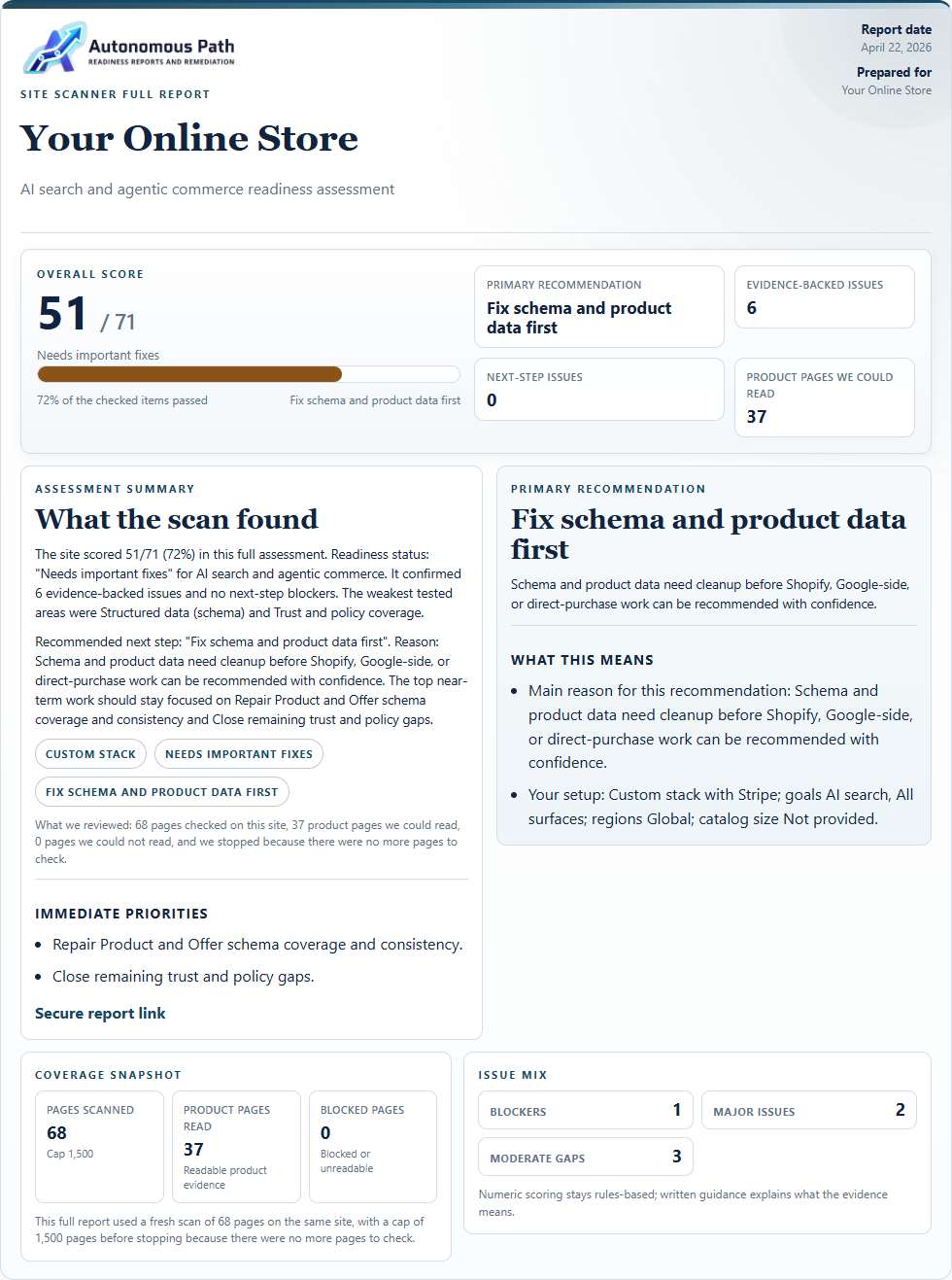
A broad storefront audit path that starts with Site Scanner and only steps up into the paid full report when deeper detail is needed.

3. Clear next service

Cleanup or monitoring.

Once the issue is confirmed, the next move is AI Search Remediation, Catalog Remediation, or Recurring Monitoring when the scope is clear.